
How to login MyVIP Merchant Business App?
You must download MyVIP Merchant Business App from Google Play Store and must have Appandus MyVIP Admin account. To download MyVIP Merchant Business App, click here to install. To get your Appandus MyVIP Admin account, Visit Appandus MyVIP's enquiry to write an enquiry to us.
Note: IOS app is not available
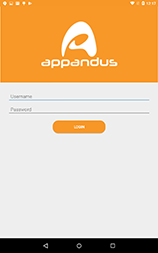
1. Enter your username and password, then press LOGIN. If you forget your password, please visit How to reset password?

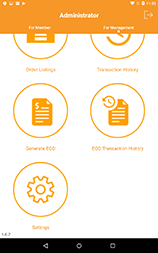
2. Enjoy with MyVIP Merchant Business App! Visit Getting Started: MyVIP Merchant Business App to start the journey.